Note: This is part of a series:
Part 1: Do Your Ebooks Fail Millions of Readers?
Part 2: Headings Give Screen Readers a Map of Your Book
Part 3: Images Without Descriptions Leave Some Readers in the Dark
Part 4: The Accessibility Metadata Hidden Inside Every EPUB
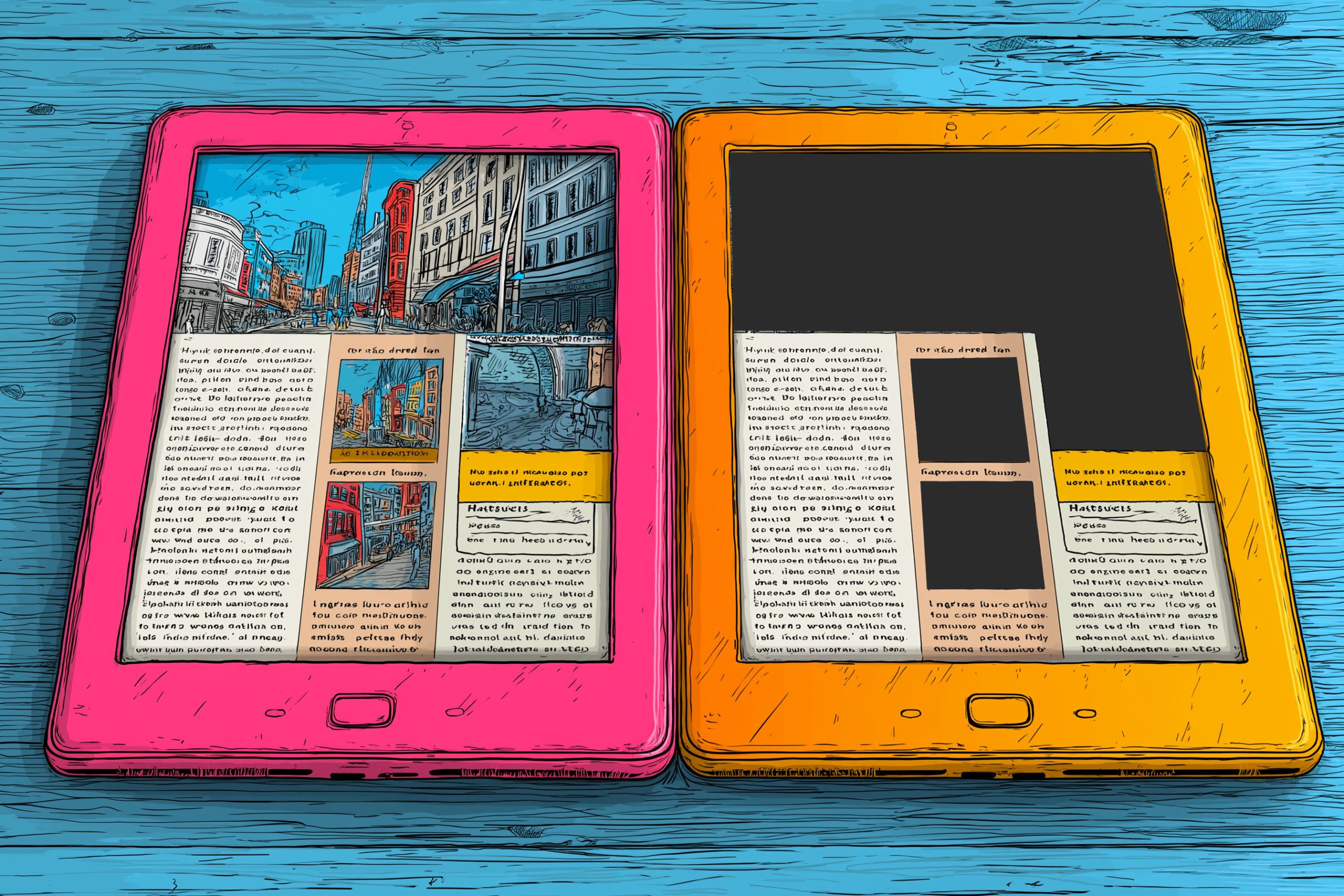
Every image in your book contains information — or mood, or context — that a sighted reader absorbs at a glance. For a screen reader user, that same image is either announced as “image” with no further detail, or it’s skipped entirely. Either way, whatever it was communicating is gone.
Alt text — short for alternative text — is the fix. It’s a written description embedded in the image itself, which a screen reader reads aloud in place of the image. Without it, the reader gets nothing.
Writing good alt text is a skill worth developing. The general principle is to describe what the image communicates, not just what it contains.
For non-fiction books, alt text should prioritize the informational content of the image. “Diagram of the human nervous system” tells a screen reader user that an image exists. “Diagram showing the central and peripheral nervous system, with the brain and spinal cord highlighted as the central system and branching nerves extending to the limbs and organs as the peripheral system” tells them what it means. If a chart is complex enough that a meaningful description would run very long, the recommended approach is to provide a brief alt text description and then include a longer text description in the body of the book, near the image, or in an appendix. Some EPUB specifications support a separate longdesc attribute for this purpose, though reading system support is inconsistent; a nearby text block is more reliable.
Maps present a specific challenge. A map of Civil War troop movements contains spatial information that doesn’t translate easily into a linear text description. The goal is to convey the meaning and key details: what the map shows, what the significant patterns are, and what the reader should take away. You won’t replicate the full experience, but you can ensure the information isn’t simply absent.
For fiction books, alt text works differently, and this is where many authors get stuck. If your novel includes chapter header illustrations or atmospheric images, you’re not conveying data. You’re conveying mood, tone, or visual storytelling. The alt text should serve the same purpose.
Consider a gothic novel with a chapter header image depicting a crumbling stone archway covered in ivy, with a crow perched on top and storm clouds in the background. Describing it as “a stone archway with ivy and a crow” is technically accurate and mostly useless. Better alt text might be: “A weathered stone archway, half-collapsed, with ivy pulling at the mortar. A crow sits at the peak, and the sky behind it is heavy with approaching storm.” That description places the reader in the same emotional register that the image creates. It serves the story.
Character portraits, maps of fictional worlds, and illustrations that reveal plot-relevant details all need alt text that accounts for what a sighted reader would understand from seeing them. A map of a fantasy world labeled with kingdoms and trade routes needs those details in the alt text, because those names may appear in the text, and a reader who can’t parse the image is missing context they need.
When Not to Write Alt Text: Decorative Images Deserve Silence
Not every image needs alt text. Some images exist purely as decoration. A horizontal rule made from ornamental flourishes, a subtle texture behind a chapter title, a small graphical divider between scenes — these carry no information. They create a visual atmosphere, and that atmosphere doesn’t need a text equivalent.
For these images, the correct approach is to use an empty alt attribute: alt=””. This is not an accident or an omission. It’s an explicit instruction to assistive technology to skip the image entirely. Screen readers, upon encountering alt=””, move on without announcing anything. The image is treated as invisible, which is correct, because for the purposes of the content, it is.
Where this gets complicated is images that are decorative for some readers and meaningful for others. A stylized author signature used as a sign-off at the end of a foreword might seem decorative, but if the text doesn’t otherwise identify the author in that location, the signature is carrying information. In that case, alt text is appropriate.
Some Software Strips Your Alt Text Without Telling You
Some software removes alt text during export or conversion, and it does so without warning.
This is not a hypothetical. Certain versions of popular word processors and layout tools have exported to EPUB with alt text removed, even when the alt text was present and correct in the source file. Some conversion tools that transform DOCX or InDesign files into EPUB have the same problem. The alt text exists in your source file. The export removes it.
The result is an EPUB that looks correct in a visual reading environment, because alt text has no visible effect, and is broken in an accessible one. If you’re not testing with a screen reader or an accessibility checker, you will not catch this problem.
Accessibility work done in a source file must be verified in the output file. EPUB files can be checked with tools like the Ace by DAISY validator, which is free and will flag images with missing alt text. Running that check should be a standard part of your production workflow, not an afterthought.
If you find that your toolchain is stripping alt text, your options are to switch tools, to use a tool that allows you to edit the EPUB directly after export, or to open the EPUB file (which is a ZIP archive) and edit the underlying HTML files manually. The latter is more technical but not beyond the reach of a publisher willing to learn the basics of EPUB structure.
Originally published at https://wickedlanternstudio.com/accessible-ebooks-publishing-guide/ in February 2026.

About Tammy Coron
Tammy Coron isn’t just any presenter—she’s a powerhouse in the world of technical communication. With over 20 years of experience as a writer, editor, and creative professional, Tammy has worked with some of the biggest names in tech.